
Exciting news!!!
You asked for it … we delivered it 🙂

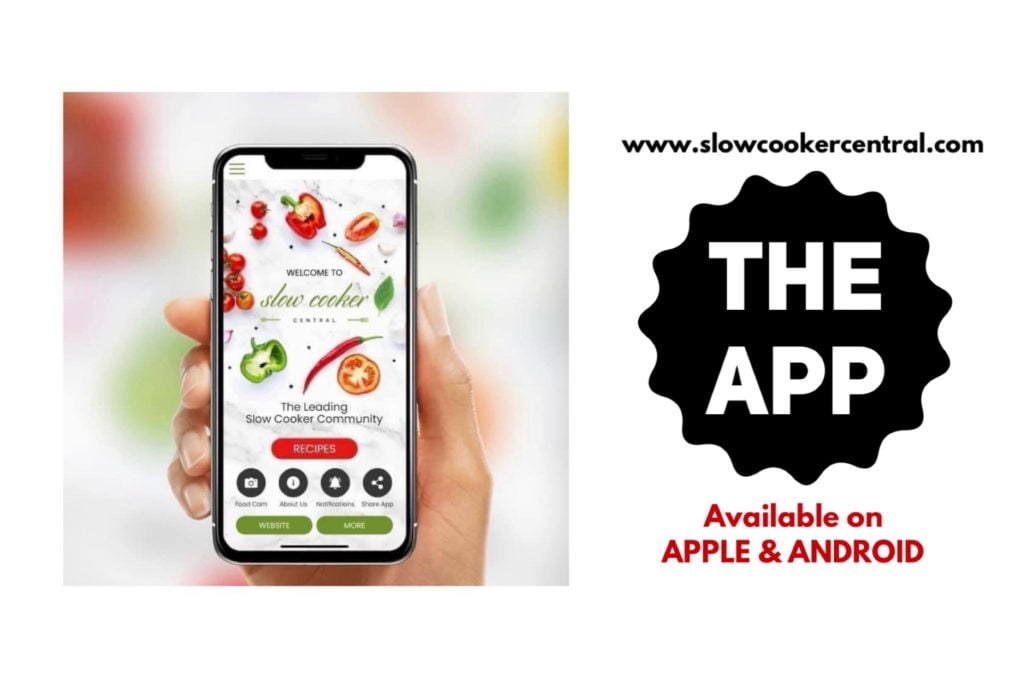
We are thrilled to announce the launch of the **BRAND NEW ** released SLOW COOKER CENTRAL MOBILE PHONE APP!!
It replaces our first app and is better in every way!!
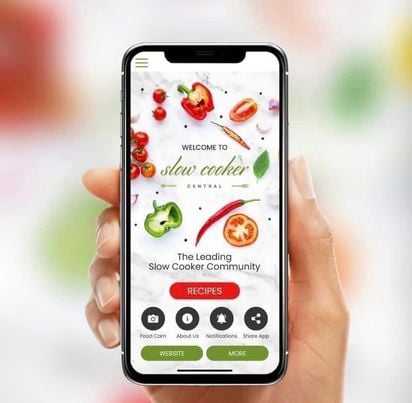
The fabulous folk at App City have created an incredible new app for us that we are so excited to be sharing with you all.
You will be able to enjoy an easy way to access all your favourite recipes and blog articles as well as enjoy heaps of other features right from your mobile phone!
Download it today to take advantage of these wonderful features:
•View and search all recipes
•Clear and easy to read recipes
•Receive alerts as new recipes become available
•Easy to use recipe submission
•Access to blog updates
•Plus much, much more..
Slow Cooker Central is the most comprehensive slow cooking app available ?
Your app purchase is a once off for the life of the app and you will receive all recipes updates and app new features for FREE. New recipes, features and content are added regularly so you will have new recipes to try each week.
Note: On download, the app loads all categories of recipes automatically. Each recipe then needs to be clicked on and downloaded individually to be stored in your device for when it is offline. Once downloaded, the recipe will be permanently stored on your device and accessible when you are offline. (offline access not compatible with Sony Xperia)
DOWNLOAD HERE ON Apple – Slow Cooker Central on the App Store (apple.com)
DOWNLOAD HERE ON Android – Slow Cooker Central – Apps on Google Play
**USER TIPS**
How to search recipes!
The app search differently to our website!
YOU GO TO THE RECIPE CATEGORY FIRST TO SEARCH 🙂
For example, if you wish to search for a curried sausages recipe?
Go to the RECIPES tab then the SAUSAGES tab …. THEN search the word curried in the search box at the top of the category
Super simple now you know how but we know many don’t realise to go the category FIRST so mistakenly think the search isn’t working.
Do this and you’ll be spoilt for choices for anything you search 🙂
Saving favourites on the app:
Be logged in on your app then simply choose the love heart logo beside any recipe to favourite it
Accessing past message/push notifications:
If you want to come back to push notifications you’ve received from us you can find these in your notifications box on the app.
This is in the top left of your screen when in your app you see the 3 lines for the extra menu.
You can go here to find the messages you’ve selected to receive from the app of new recipes added etc
The Slow Cooker Central team will not spam you and will ONLY send you notifications that you have selected yourself.
Any questions please don’t hesitate to ask using our contact us page HERE
Download yours here now: http://txt.appcity.com.au/slowcookercentral



Any chance of an app for windows?
We are looking at that in stage 2 but not initially sorry 🙂
Will I be able to access it on Android ? (
Samsung)
Yes … as explained above it will be available for Apple and Android devices 🙂
I have a Samsung Galaxy not 5 will I be able to access it?
All Samsung Galaxys are android so yes
Has there been any movement on this becoming a windows mobile app also ?
Still not available for windows mobiles 🙂
I too have a Microsoft phone & would like for there to be an app for us also.
Can i download onto my samsung tablet?
Sure can – from the Google Play store 🙂
love your website and would like to have the app on my tablet for shopping as i don’t have internet on my mobile thank you..
Hi Judy
Yes you can get it on your tablet 🙂
If it’s apple go to the itunes store
If it’s android go to the google play store on your tablet
Can I move pix of other favorite recipes 2 this app?
Can you explain more as I’m not sure I understand what you mean Sandy? 🙂
How do I get the android app
On the Google play store :
Hi Pauline,
Does this app include recipes for the newer slow cookers that you can sear meat in?
Thanks in advance.
Hi Julie
Yes some recipes will be those needing or suggesting searing and some won’t need that 🙂
It says not available in my region? Im in Perth, Australia
App City are just doing some update work on our app at the moment so we’ve taken it out of the app store during this time so folks don’t download it and think it doesn’t work 🙂 As soon as the work is done it’ll be back and functioning as normal and available again 🙂
Hi Paulene, I have uninstalled and reinstalled app since update. But still cannot get any recipes to show. It tells me to try again later.
I’ll see what I can find out for you Michelle 🙂
Hi Pauline, I have just downloaded the App to my iPad. It says you can share with family members. How do I do that,please?
I believe from the app store you can share the link with others 🙂
You could probably share the same link no FB etc I’d assume
Hi Paulene, I have downloaded the app but can’t work out how to mark a recipe as a favourite.
Hi Briony
See this article you are commenting on
Go to USER TIPS and the very first section is step by step how to save faves 🙂
Thank you!!
Is the app now ready for Perth (W.A.) to download?
Hi Christopher, the app has been out in Perth for almost 2 years in this new version yes 🙂